

Top 10+ Easiest Cell Phone for Seniors to Use [Latest Guide]
Many seniors find modern phones hard to use. The easiest cell phone for seniors to use should have big buttons, a loud sound, and a clear screen. A simple phone helps seniors call family, book doctor visits, and stay safe every day.
In this guide, you will see the phones that seniors trust most and learn how to get one for free or at a low cost through the Lifeline program. Keep reading to find the perfect phone that fits your lifestyle and comfort.
1. Why Seniors Should Use The Easiest Cell Phone?
The easiest cell phone for seniors to use focuses on comfort and clarity, not extra features. Seniors need phones that are simple to handle, easy to read, and loud enough to hear clearly. A good design helps them call family, text friends, and stay connected without confusion.
Key features of the easiest cell phone include:
- Large buttons and bright screens make numbers and texts easy to see.
- Simple menus or “Easy Mode” for quick navigation.
- Loud speakers and hearing-aid compatibility for clearer sound.
- Emergency or SOS buttons for fast access to help.
- Long battery life and a lightweight design for daily convenience.
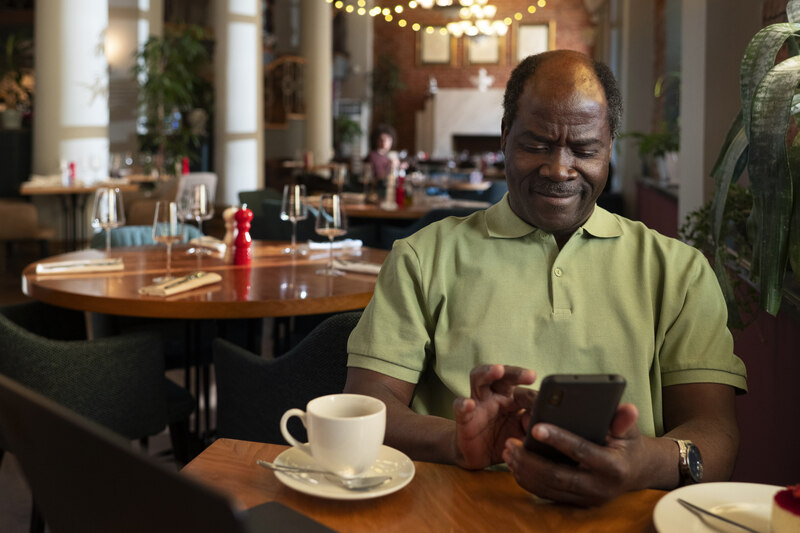
2. Which Is Easier for Seniors: iPhone or Android?
Choosing the easiest cell phone for seniors to use often comes down to two options: iPhone or Android. Both offer simple controls, clear displays, and useful accessibility tools. The right choice depends on what you value most: comfort, price, or flexibility.
2.1. iPhone
The iPhone is known for its clean and simple layout. Seniors often like it because it looks and works the same across all models.
Key advantages include:
- Intuitive interface with large icons and easy touch response.
- Voice control (Siri) to make calls or send messages hands-free.
- Accessibility tools like magnifier, screen reader, and text size adjustments.
- Regular updates and customer support that keep the device secure and running smoothly.
The iPhone suits seniors who want a stable phone that works the same way every time.
2.2. Android
Android phones give seniors more choices at lower prices. You can find simple models or advanced smartphones that still feel easy to use.
Key benefits include:
- Wide price range and many brands like Samsung, Nokia, and Motorola.
- Customizable “Easy Mode” for large icons and simpler layouts.
- Larger screens for clearer reading and better visibility.
- Expandable storage and replaceable batteries on many models.
Android works well for seniors who want value, bigger screens, and freedom to adjust their phone settings.
2.3. Which Should You Choose?
Both iPhone and Android are good choices for seniors. The iPhone offers simplicity and consistency, while Android provides flexibility and affordability. If possible, seniors should try both in person. Hold each phone, open the menus, and see which one feels easier for you to use. The best phone is the one that fits your comfort and budget.
>>> Read more: Free iPhone for Seniors: How to Qualify and Get One Today
3. Easiest Cell Phone for Seniors to Use: Top 10+ Options in 2025
The easiest cell phone for seniors to use should be clear, simple, and comfortable. Many seniors want phones that make calling, texting, and using apps effortless. Through the Lifeline Program, eligible senior users can get these phones for free or at a low cost from certified providers like TAG Mobile.
The Lifeline program is a federal program managed by the Federal Communications Commission (FCC). It helps low-income individuals and seniors access affordable phone and internet service.
The program offers a monthly discount of up to $9.25 nationwide and $34.25 for Tribal residents. In addition, approved users can receive free or discounted phones from providers such as TAG Mobile to stay connected with family, healthcare, and emergency services.
The models below are among the easiest phones for seniors to use, and many are available for free or at heavily discounted prices:
Note: Prices and availability may vary by region, stock, promotion and time of application.
3.1. GO FLIP 2
The GO FLIP 2 is a classic choice for seniors who prefer simple phones.
- Large tactile buttons make dialing easy.
- Bright display for clear visibility.
- Loud speaker for better call clarity.
- The dedicated emergency button connects to urgent help fast.
This model is best for seniors who mainly use their phone for calls and texts.
3.2. iPhone Series (SE – 15 Pro Max)
Apple iPhones remain some of the most user-friendly smartphones for seniors. They are simple, consistent, and easy to navigate.
| Model | Screen Size | Typical Lifeline Price (Up to 50% Off Retail) |
| iPhone SE (3rd Gen) | 4.7″ | $0-$9.99 |
| iPhone 11 Pro Max | 6.5″ | $99.99 |
| iPhone 12 Pro Max | 6.7″ | $145.99 |
| iPhone 13 Pro Max | 6.7″ | $249.99 |
| iPhone 14 Pro Max | 6.7″ | $239.99 |
| iPhone 15 | 6.1″ | $370.00 |
| iPhone 15 Plus | 6.7″ | $454.99 |
At TAG Mobile, seniors who qualify for the Lifeline program can get up to 50% off retail prices on these iPhone models. Each iPhone includes Siri voice control, large text options, and accessibility tools for vision and hearing support.
3.3. Samsung Galaxy Series
Android phones like the Samsung Galaxy line are perfect for seniors who want flexibility, affordability, and large displays. Most models offer Easy Mode, which simplifies the layout for better readability.
| Model | Screen Size | Features | Typical Lifeline Price (Up to 70% Off Retail) |
| Galaxy A42 5G | 6.6″ | Clear display, balanced use | FREE |
| Galaxy A14 5G | 6.6″ | Easy Mode, long battery | $59–$99 |
| Galaxy S22 5G | 6.1″ | High performance, vivid display | $300-$370 |
| Galaxy A71 5G | 6.7″ | Large screen, strong camera | $70-$90 |
| Galaxy A32 5G | 6.5″ | Big icons, solid battery life | $4.99 |
At Lifeline providers like TAG Mobile, these Samsung models are discounted up to 70% off the retail price for eligible Lifeline users. They are excellent for seniors who want a smartphone that’s easy to see, simple to navigate, and affordable.
TAG Mobile’s free phone program helps seniors stay connected without monthly costs. The application is simple, and shipping is free once approved.
>>> Also read: Lifeline Free Tablet: How Low-income People Get A Device At No Cost
4. How TAG Mobile Helps Seniors Stay Connected
TAG Mobile is a certified Lifeline provider that helps seniors stay connected easily and affordably. The company focuses on making communication simple for older adults, offering free or discounted phone service and devices for those who qualify.
Seniors who apply through TAG Mobile can expect a quick, smooth process:
- Fast approval: Most applications are verified in about 30 minutes.
- Free shipping: Phones are delivered within 7–10 business days.
- Free talk and text: Stay in touch with family and friends every day.
- International calls: Call more than 200 countries without extra fees.
- Up to 16 GB of high-speed data
- Free SIM or eSIM with a new plan or BYOD option
- Exclusive discounts: Get up to 50% off newer iPhones and Samsung 5G phones when applying through TAG Mobile.
- Enhanced Tribal benefits
TAG Mobile continues to make communication accessible for seniors nationwide by offering dependable service, affordable upgrades, and easy ways to stay connected at $0 monthly cost.
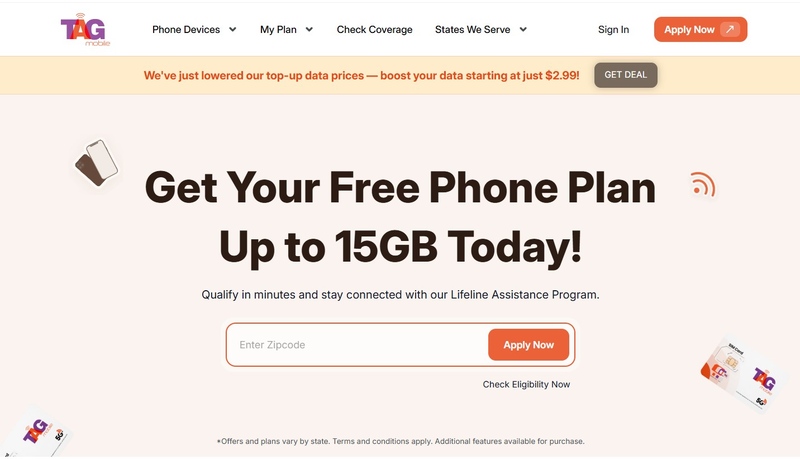
DISCLAIMER: The government does not cover device costs, only basic service through Lifeline. Any free or discounted devices, upgrades, or top-ups are limited-time TAG Mobile offers and may vary by state, eligibility, and availability. Terms and conditions apply.
5. FAQs
Q1. What cell phone does AARP recommend for seniors?
AARP often highlights phones that are simple, reliable, and easy to use. Popular choices include the Go Flip 2, iPhone SE, and Samsung Galaxy A14 5G. These models have clear displays, loud speakers, and large buttons that make calling and texting easier. Many of these phones are also available for free or at a discount through Lifeline providers such as TAG Mobile.
Q2. Which is the simplest smartphone?
The iPhone SE and Samsung Galaxy A14 5G are among the simplest smartphones for seniors. Both have clean menus, clear icons, and accessibility settings that improve visibility and sound. Seniors can also turn on “Easy Mode” on Samsung phones or adjust text size and voice control on iPhones for a smoother experience.
Final Words
Finding the easiest cell phone for seniors to use is not difficult when you know what matters most: clarity, comfort, and connection. Lifeline providers like TAG Mobile make it easy for eligible users to get free or discounted phones. Check your ZIP code today to see which phones are available and start your journey to simple, stress-free communication.
- Share This:
-

-

-

-

-



About the author
