

How to Find SIM Card Number on Android: Easy Ways to Locate It
Many Android users need to check their SIM information when activating a new plan, switching carriers, or verifying their mobile account. Because of this, people often search how to find SIM card number on Android to locate the unique identifier linked to their SIM card. This number is commonly used by carriers for activation and troubleshooting.
To see the exact steps and additional tips, you can refer to the instructions from TAG Mobile for more detailed information.
1. What Is a SIM Card Number on Android?
Every SIM card used in an Android phone contains a unique identification number that helps carriers manage mobile service. Understanding this number can make it easier to activate a plan, switch devices, or troubleshoot network issues.
Understanding the SIM Number (ICCID)
The SIM card number, also known as the ICCID (Integrated Circuit Card Identifier), is a unique series of digits assigned to a SIM card by the mobile carrier. This number identifies the SIM on the carrier’s network and links it to a specific mobile account. When a SIM card is inserted into an Android phone, the ICCID helps the network recognize the device and allows access to calls, text messages, and mobile data.
Why You Might Need Your SIM Card Number
There are several situations where knowing the SIM card number can be useful. Mobile carriers often use this number to verify your account and manage network services.
- Activating a new mobile plan: Carriers may require the ICCID to activate service on a new SIM card.
- Transferring service to another phone: The SIM card number can help carriers link the SIM to a different device.
- Troubleshooting network issues: Customer support may ask for the ICCID when diagnosing connection problems.
- Replacing a lost or damaged SIM card: The number helps the carrier locate your SIM record and issue a replacement.
- Verifying your mobile account with a carrier: Some support requests require the ICCID to confirm the SIM associated with your phone number.
2. How to Find SIM Card Number on Android Using Settings
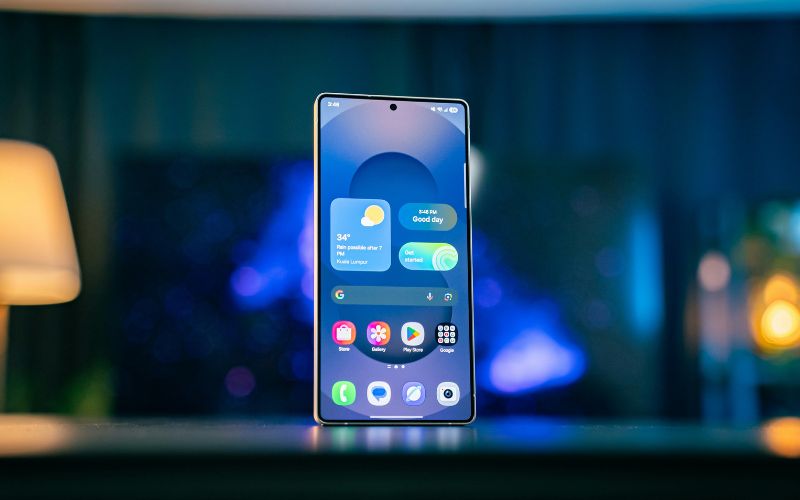
Most Android phones allow you to view SIM card details directly in the system settings. By checking the device information menu, it is usually possible to locate the SIM card identifier without removing the card from the phone.
Step 1: Open the Settings App
Start by opening the Settings app on the Android device. The Settings menu contains the main controls for system configuration, network settings, and device information. From the home screen or app drawer, tap the Settings icon to begin.
Step 2: Tap “About Phone”
Next, scroll down the settings menu and select About Phone. This section displays important information about the device, including the model, software version, and hardware identifiers. It is also where many phones store details related to the SIM and network status.
Step 3: Select “SIM Status” or “Status Information”
Inside the About Phone menu, let’s look for SIM Status, Status, or Status Information, depending on the Android version and device brand.
Opening this section will display network details such as signal strength, carrier name, and SIM-related identifiers. For anyone wondering how to find SIM card number on Android, this page is usually where the SIM information can be viewed.
Step 4: Look for the ICCID
Finally, you locate the ICCID (Integrated Circuit Card Identifier) listed in the SIM status information. This number represents the unique identification code assigned to the SIM card by the carrier. Mobile providers use the ICCID to identify the SIM and link it to a specific mobile account.
>>> Read More: Free Government Phone SIM Card: How It Works And How To Get One
3. How to Find SIM Card Number on Android Using a Dial Code
Another quick way to check SIM-related information on an Android phone is by using a special dial code. This method does not require navigating through multiple settings menus and can display device identifiers instantly.
Step 1: Open the Phone App
Begin by opening the Phone app on the Android device. This is the same application normally used for making calls. Once the keypad appears on the screen, you can enter a special code to access device information.
Step 2: Dial *#06#
Using the keypad, type *#06# exactly as shown. After entering the code, the phone will automatically display important identifiers without needing to press the call button.
Step 3: View the Device Identifiers
Once the code is entered, the screen will show details such as the IMEI number and, on some devices, the SIM card ICCID. These identifiers help carriers recognize the device and SIM card associated with your mobile service.
4. How to Find the SIM Number on the Physical SIM Card
In some cases, the SIM card number may not appear directly in your phone settings. When that happens, checking the physical SIM card itself can help you locate the identification number used by your mobile carrier.
Remove the SIM Tray
First, power off the Android phone before removing the SIM card. You should locate the SIM tray on the side or top edge of the device and insert the SIM eject tool into the small pinhole next to it. After applying gentle pressure, the tray will pop out slightly, allowing you to pull it out and access the SIM card.
Check the Printed Number on the SIM
Once the SIM card is visible, let’s carefully take it out of the tray and look at the surface of the card. Many SIM cards have a printed identification number (ICCID) that uniquely identifies the SIM on the carrier network. For people wondering how to check mobile number from SIM, this printed number can help the carrier locate your account and verify the SIM card information.
Reinsert the SIM safely
After checking the SIM number, you’ll place the card back into the tray with the correct orientation. Slide the tray back into the phone carefully until it fits flush with the device. Once the phone is turned on again, the system should reconnect to the mobile network normally.
5. Finding the SIM Number on Phones Using eSIM
Phones that use eSIM do not have a removable card, but the digital profile still includes its own unique identifier. That means you can still check the eSIM ICCID directly on the device when you need SIM details for activation, verification, or troubleshooting.
Check eSIM Details in Settings
Start by opening the Settings app on the phone and going to Network & Internet → SIMs or About Phone, depending on the Android model. In this section, the system usually shows the active SIM or eSIM profiles installed on the device. From there, the phone lets you review carrier information, connection status, and other details related to the mobile line.
View eSIM Profile Information
After opening the SIM or network information page, look for SIM status, Status information, or the eSIM profile details. On many devices, the eSIM ICCID appears in this section along with the carrier name and signal information. This number works like the identifier on a physical SIM card, even though the plan is stored digitally inside the phone.
Get a Free Device and eSIM Through TAG Mobile
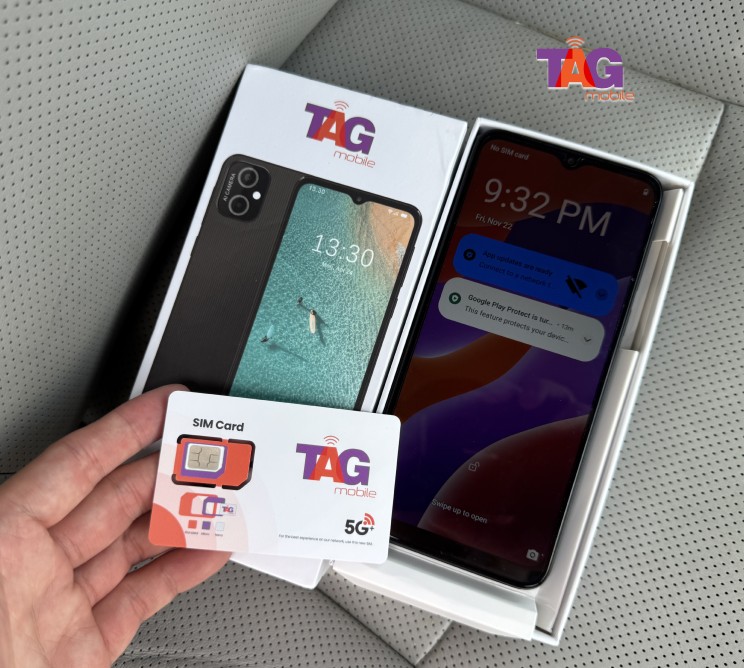
For people who want a simpler way to get connected, TAG Mobile offers eSIM activation through its Lifeline-supported service for eligible customers. Users can activate an account in minutes without a physical SIM card, as long as the phone is compatible.
TAG Mobile also states that qualifying customers may receive benefits such as unlimited talk and text, up to 16GB of free data, free delivery, and discounted phones, while eligible Lifeline applicants may also get a free SIM card or eSIM included with service.
Service availability, device offers, and plan details can vary by state, and Lifeline eligibility rules apply.
6. Final Words
Learning how to find SIM card number on Android can be helpful when trying to manage your mobile service. Whether you are activating a new SIM card, changing service providers, or need to contact customer service, knowing the SIM card number can be helpful. The SIM card number is used to identify your mobile device on the network to ensure your mobile service works correctly.
Are you ready to activate a SIM or esim with reliable service? TAG Mobile offers flexible plans and simple activation options for eligible customers. Visit TAG Mobile to quickly connect your Android phone and stay connected every day.
Notice: The government does not cover device costs, only basic service through Lifeline. Any free or discounted devices, upgrades, or top-ups are limited-time TAG Mobile offers and may vary by state, eligibility, and availability. Terms and conditions apply.
- Share This:
-

-

-

-

-



About the author
