

The Easy Way to Transfer eSIM from iPhone to Android 2026
If you need to transfer eSIM from iPhone to Android, it’s important to understand that the process is different from moving an eSIM between two iPhones. Because the operating systems are different, most carriers require issuing a new eSIM profile instead of allowing a direct automatic transfer. This typically involves deactivating the eSIM on your iPhone and scanning a new QR code on your Android device. Carrier policies and supported models may vary, so checking compatibility in advance can help avoid delays.
For detailed step-by-step guidance and helpful troubleshooting tips, you can review the full article from TAG Mobile below to learn more.
1. Can You Transfer eSIM From iPhone to Android?
Yes, you can transfer an eSIM from an iPhone to an Android device, but the process is usually not automatic. Unlike transferring between two iPhones, cross-platform transfers typically require assistance from your mobile carrier.
In most cases, you will need to request a new eSIM activation QR code or have your carrier reassign the line to your Android device. The original eSIM profile on your iPhone must be removed or deactivated before the new one can be installed.
Because policies vary by carrier, it’s important to confirm their specific transfer procedure to ensure a smooth transition.
>>> Read More: Can I Use an eSIM on a Locked Phone? A Simple Guide for Low-Income Families
2. How to Transfer eSIM From iPhone to Android (Simple Guide)
If you plan to transfer eSIM from iPhone to Android, you should know that the process is not automatic like iPhone-to-iPhone transfers. Because iOS and Android use different provisioning systems, your mobile carrier must issue a new eSIM profile for the Android device. The same principle applies if you are researching how to transfer eSIM from iPhone to Samsung device. Carrier assistance is required in most cases.
Make Sure Your Android Phone Supports eSIM
Before contacting your carrier, let’s verify that your Android phone includes eSIM hardware. You can open Settings → Network & Internet → SIMs (or Connections → SIM Manager on Samsung devices) and look for options such as “Add eSIM” or “Download a SIM.”
If those options are visible, your device supports digital SIM activation. Without built-in eSIM capability, the transfer cannot proceed.
Contact Your Carrier (App, Website, or Customer Support)
Next, you reach out to your carrier through their official app, website portal, or customer support line. Let the representative know that you want to transfer eSIM from iPhone to Android so they can verify your identity and check device compatibility.
Some carriers allow you to initiate the request directly in their mobile app, while others require live verification.
Request eSIM Reprovisioning
After account verification, you ask the carrier to reprovision your mobile line to the new Android phone. In most situations, the existing eSIM on your iPhone will be deactivated first. The carrier will then generate a new activation QR code or provide manual installation details tied to your Android device’s IMEI.
Scan the New QR Code on Android
Once you receive the QR code, open your Android phone’s SIM settings and choose Add eSIM or Add Mobile Plan. Use the camera to scan the code, or manually enter the activation data if instructed.
Your phone will securely download and install the new eSIM profile onto its embedded SIM chip.
Confirm Activation
Finally, you confirm that the new line appears in your SIM settings. You should see signal bars within a few moments after installation completes. Test outgoing calls, text messages, and mobile data to ensure the transfer is successful.
When everything works properly, your transfer eSIM from iPhone to Android process is complete, and your number is fully active on the new device.
3. Check eSIM Compatibility on Your Android Phone
Before activating a digital SIM, it’s important to confirm that your Android device supports eSIM and is compatible with your carrier’s network. In addition to checking your phone’s settings, you can also use a provider-specific compatibility tool for extra verification.
TAG Mobile offers a Check eSIM Compatibility tool designed to confirm whether your Android phone works with TAG’s network system.
This tool helps determine if your device model and IMEI are supported for eSIM activation, specifically with TAG Mobile service. It is important to understand that this type of checker verifies compatibility with TAG’s network only. It does not confirm universal eSIM functionality across all carriers worldwide.
4. FAQs About Transferring eSIM From iPhone to Android
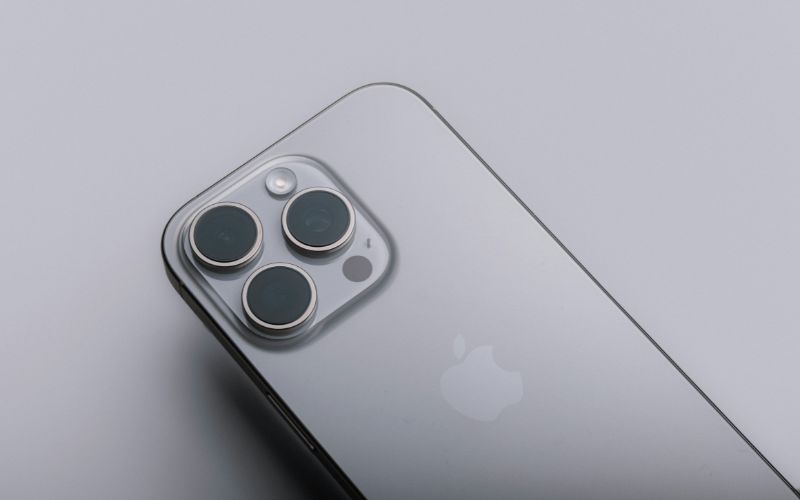
Transferring an eSIM between different operating systems often raises practical questions about time, compatibility, and carrier requirements. Below are clear and accurate answers to help you better understand what to expect during the process.
Can I transfer eSIM without contacting my carrier?
In most cases, no. When moving an eSIM from an iPhone to an Android device, your carrier typically needs to reprovision the line and issue a new activation profile. Unlike iPhone-to-iPhone transfers, cross-platform moves usually cannot be completed automatically without carrier authorization.
How long does the transfer take?
The transfer process itself usually takes only a few minutes once your carrier provides the new QR code. However, the total time depends on how quickly your carrier verifies your account and generates the updated eSIM profile. If there are no account issues, activation is often completed the same day.
What if my Android doesn’t support eSIM?
If your Android phone does not include built-in eSIM hardware, you will not be able to install a digital SIM profile. In that case, you must request a physical SIM card from your carrier instead.
Alternatively, upgrading to an eSIM-compatible device would allow you to continue using digital SIM functionality.
Can I transfer eSIM from iPhone to another phone?
Yes, you can transfer an eSIM from an iPhone to another compatible phone, but the process depends on the destination device. If you are moving to another iPhone, Apple’s built-in transfer tools may allow a direct migration. If you are switching to Android, your carrier will usually need to issue a new eSIM profile for activation on the new device.
5. Final Words
If you plan to transfer eSIM from iPhone to Android, understanding the correct steps can help you avoid service interruptions. Since cross-platform transfers usually require carrier assistance, preparing your account details and activation information in advance is important. With the right guidance, the process can be completed smoothly and securely.
If you need additional support or are exploring flexible eSIM service options, visit TAG Mobile for helpful resources and compatible plans designed to keep you connected without complications.
Notice: The government does not cover device costs, only basic service through Lifeline. Any free or discounted devices, upgrades, or top-ups are limited-time TAG Mobile offers and may vary by state, eligibility, and availability. Terms and conditions apply.
- Share This:
-

-

-

-

-



About the author
