

Does iPhone 13 Pro Max Have eSIM? Connect Without Limits
If you’re considering an upgrade or switching carriers, you might be asking, does iPhone 13 Pro Max have eSIM and how its Dual SIM setup works. The iPhone 13 Pro Max supports both a physical nano-SIM and eSIM, giving users flexible activation options.
This combination allows you to manage two lines on one device. For detailed setup guidance and compatible wireless plans, explore helpful resources from TAG Mobile to learn more.
1. What Most People Really Want to Know About eSIM
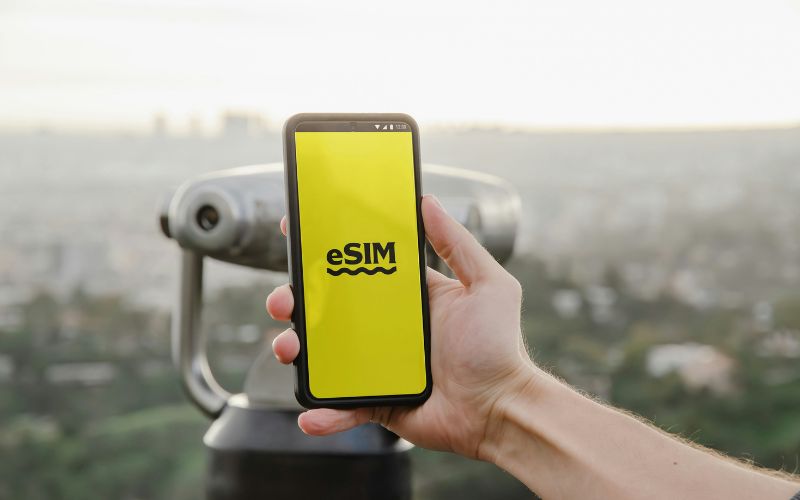
When people hear about eSIM, they usually want to know one simple thing: how it works and whether it’s complicated to set up. An eSIM is a digital SIM built directly into your phone, allowing you to activate a cellular plan without inserting a physical card.
Instead of swapping SIM trays, you download a carrier profile through your device settings, making switching plans faster and more convenient.
Many users also worry about activation, but the process is typically straightforward.
If you qualify for a device from TAG Mobile, your eSIM may arrive pre-activated for eligible plans, so you can start using your service right away. Otherwise, you can simply scan the QR code provided in your confirmation email or carrier app to install and activate your eSIM profile within minutes.
2. Does iPhone 13 Pro Max Have eSIM?
Yes, the U.S. model of the iPhone 13 Pro Max fully supports eSIM technology. In addition to eSIM, it also includes a physical nano-SIM tray, which answers another common question: Does iPhone 13 Pro Max have a SIM card? Yes, it does.
This feature of Dual SIM enables users to use one line with a physical SIM and another line with an eSIM, or sometimes two different profiles with two different eSIMs, depending on carrier support. This combination of both options provides users with flexibility, especially when changing carriers or traveling internationally and wanting to use two different numbers, one for personal and one for work.
>>> Read More: Free Government iPhone 13 Pro Max: Apply For Lifeline Today!
3. How to Add an eSIM in iPhone 13 Pro Max in Under 2 Minutes
Adding an eSIM to your iPhone 13 Pro Max is a quick and simple process when you follow the correct steps. If you’re still asking, does iPhone 13 Pro Max have eSIM? The answer is yes, and you can activate it digitally in just a few minutes.
Step 1: Connect to Wi-Fi
First, you should connect your iPhone 13 Pro Max to a stable Wi-Fi network. The device requires an internet connection to download and install the carrier’s eSIM profile. A strong Wi-Fi signal helps prevent interruptions during activation.
Step 2: Open Settings → Cellular
Next, you open the Settings app on your iPhone. Scroll down and tap Cellular (or Mobile Data, depending on your region). This section allows you to manage existing plans and add a new eSIM line.
Step 3: Tap “Add eSIM”
Inside the Cellular menu, you tap Add eSIM to begin the setup process. The phone will display different activation options supported by your carrier.
Step 4: Scan the QR Code or Download the Plan
If your carrier provides a QR code, position your camera to scan it directly from the screen. Alternatively, some carriers allow you to download the plan through their official app. Once scanned or selected, the iPhone will automatically begin installing the eSIM profile.
Step 5: Confirm Activation
After the eSIM profile is downloaded, review the carrier details shown on the screen. Then confirm activation to complete the setup. Once activated, you should check your signal bars and test calls or mobile data to ensure that the new line is fully functional.
4. Get Free eSIM and an iPhone? You May Qualify
TAG Mobile offers qualifying low-income households an incredible opportunity through the federal Lifeline program.
If you meet eligibility requirements, such as participating in SNAP, Medicaid, SSI, or other qualifying programs, you can receive a discounted or free smartphone (including select iPhone models* like iPhone 13, iPhone 13 Pro Max) and complimentary monthly service with data, talk, and text.
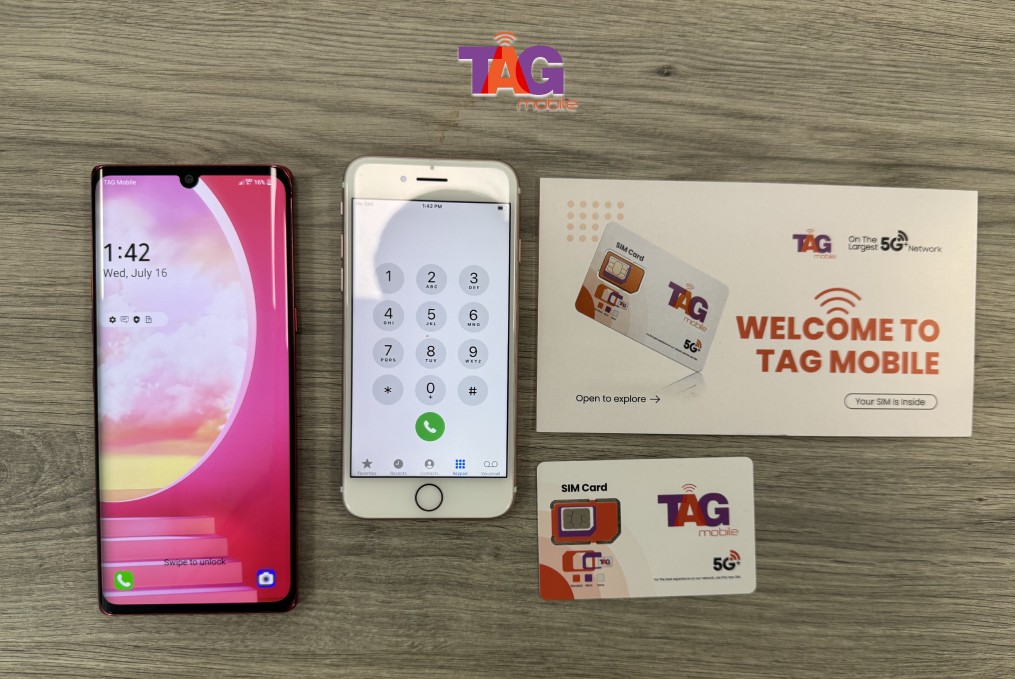
TAG Mobile also provides free eSIM activation for compatible devices. You can access reliable communication for job searches, telehealth appointments, online learning, and maintaining important connections at no cost.
*Free devices available on select models. Some models may be offered at a discounted rate.
FAQs About iPhone 13 Pro Max eSIM
Besides whether iPhone 13 Pro Max has eSIM, practical questions about how eSIM works are still raised among many, specifically on the iPhone 13 Pro Max.
Below are clear and accurate answers to help you understand how flexible this model really is.
Can I move my number to eSIM without removing my SIM card?
Yes, you can transfer your existing phone number to an eSIM on the iPhone 13 Pro Max without physically removing your nano-SIM card at first. Most carriers allow you to convert a physical SIM to eSIM directly through the Settings app or their official carrier app. Once the eSIM is successfully activated and confirmed, you can remove the physical SIM if you prefer, or keep it inserted to use Dual SIM functionality.
Is iPhone 13 Pro Max easier than newer eSIM-only models?
For many users, the iPhone 13 Pro Max offers more flexibility because it supports both a physical nano-SIM and eSIM. Unlike newer U.S. models that rely entirely on eSIM, this device allows you to fall back on a physical SIM if needed.
This hybrid setup can feel easier for users who are not yet comfortable with fully digital activation or who frequently switch SIM cards while traveling.
5. Final Words
If you’ve been wondering does iPhone 13 Pro Max have eSIM, the answer is yes, alongside support for a physical nano-SIM for added flexibility. This Dual SIM feature makes this phone an ideal choice for those who want to activate their phone either traditionally or digitally.
Whether you are looking to separate your work and personal phone numbers or change your carrier, this is a very convenient option. Selecting the right carrier is as important as selecting the right phone. Learn more about compatible plans and nationwide coverage with TAG Mobile today.
Notice: The government does not cover device costs, only basic service through Lifeline. Any free or discounted devices, upgrades, or top-ups are limited-time TAG Mobile offers and may vary by state, eligibility, and availability. Terms and conditions apply.
- Share This:
-

-

-

-

-



About the author
