

No SIM Available On iPhone 13: 2026 Troubleshooting Guide
Seeing the dreaded “no SIM available on iPhone 13” alert can be frustrating, especially when you need to stay connected for work or emergencies. Before you rush to a repair shop, try these proven troubleshooting steps to identify the glitch and restore your cellular service immediately.
1. Why Is There No SIM Available On iPhone 13?
Understanding the root cause of the issue, such as no SIM available on iPhone 13, is the first step toward solving connectivity problems on your device. Issues typically stem from physical hardware displacement, outdated software bugs, or specific network configuration errors.
1.1. Common Hardware Issues with iPhone 13 SIM Trays
While the iPhone 13 is built for durability, the SIM tray is a delicate component. If you frequently swap cards or have dropped your phone recently, the tray may be slightly bent or misaligned, preventing the metal contacts on the SIM card from touching the internal readers.
Additionally, the accumulation of pocket lint or dust can create a barrier. According to Apple Support documentation, even a microscopic amount of debris can disrupt the electrical connection required for the phone to recognize the card.
1.2. eSIM Activation Failures & Software Glitches
The iPhone 13 supports both physical SIM and eSIM technology, allowing users to store multiple carrier profiles digitally. However, software glitches during iOS updates can sometimes deactivate these profiles or cause them to hang.
If you are getting familiar with eSIM technology, you will note that dual-SIM setups (using one physical and one eSIM) can occasionally cause conflict errors where the device fails to designate a primary line, resulting in the “No SIM” prompt.
1.3. Identifying “SOS Only” vs “No SIM” Errors
It is crucial to distinguish between these two common status bar messages. “SOS Only” usually means the antenna is working and detecting towers, but your specific carrier has denied access, often due to billing or outages. In contrast, “no SIM available on iPhone 13” indicates the phone cannot detect the physical card or the digital profile at all. Data suggests that hardware detection failures account for a significant portion of user error reports, distinct from actual network outages.
>>> Read More: Is There an iPhone 13? Availability, Prices & Government Program Options
2. Top Fixes For iPhone 13 No SIM Error
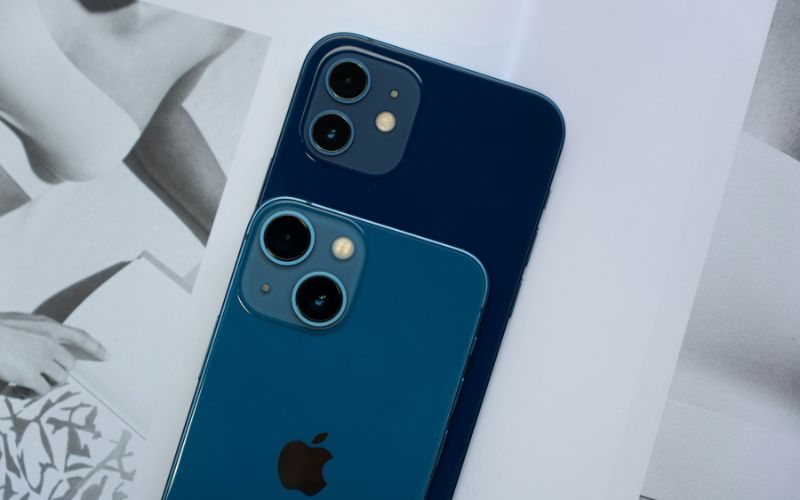
Most connectivity errors can be resolved at home without the need for professional tools or replacement parts. Follow these sequential steps to reset your connection logic and clear temporary software glitches.
2.1 Solution 1: Force Restart & Airplane Mode Toggle
The simplest fix is often the most effective. Toggling Airplane Mode on for 30 seconds and then off forces the iPhone to restart its modem and search for cell towers again.
If that fails, perform a force restart:
- Press and quickly release Volume Up
- Then Volume Down
- Finally, hold the Side button until the Apple logo appears
This clears the temporary cache that might be holding onto the error status.
2.2 Solution 2: Cleaning the SIM Card & Tray
Eject your SIM tray using the tool provided with your iPhone or a paperclip. Inspect the gold contacts on the SIM card for scratches or corrosion. Wipe the card gently with a lint-free microfiber cloth (rubbing alcohol is generally not necessary and can be risky if not used correctly). Ensure the card sits flush in the tray before reinserting it.
If you are interested in maintaining your device’s longevity, check out the latest smartphone maintenance tips.
2.3 Solution 3: Updating iOS & Carrier Settings
Apple frequently releases patches to fix modem firmware issues. Go to Settings > General > Software Update to ensure you are on the latest iOS. Additionally, check for Carrier Settings updates by going to Settings > General > About.
If an update is available, a prompt will appear immediately.
Keeping these files current is essential for compatibility with modern networks.
If you are tired of overpaying for a plan that gives you technical headaches, check out TAG Mobile’s affordable prepaid plans designed for reliability.
3. Carrier-Specific Troubleshooting
Sometimes the issue isn’t your phone hardware, but the authorization between your device and the network provider. Here is how to verify if your carrier settings are actively blocking your connection.
3.1 Verifying Network Activation with TAG Mobile
If you are a TAG Mobile customer, ensuring your APN (Access Point Name) settings are correct is vital for data and voice service. Sometimes, switching phones can reset these settings to defaults that don’t match your carrier. You can verify your activation status by logging into your account. A reliable carrier ensures that your device IMEI is properly registered on the network to prevent service interruptions.
3.2 When to Contact Support for a Replacement SIM
If you have tried the steps above and the error persists, or if you test your SIM card in another phone and it fails there, too, your SIM card is likely damaged. SIM cards can degrade over time due to heat and electrical currents. In this scenario, requesting a replacement is the only option. The Federal Communications Commission (FCC) notes that consumers have rights regarding number portability, so getting a new SIM does not mean you lose your phone number.
Ready to switch to a carrier that supports you?
4. Get a New SIM Card With No Cost!
Did you know you might qualify for free service through government-supported initiatives to help you stay connected? TAG Mobile participates in the Lifeline program, a federal benefit that lowers the monthly cost of phone or internet service for eligible customers.
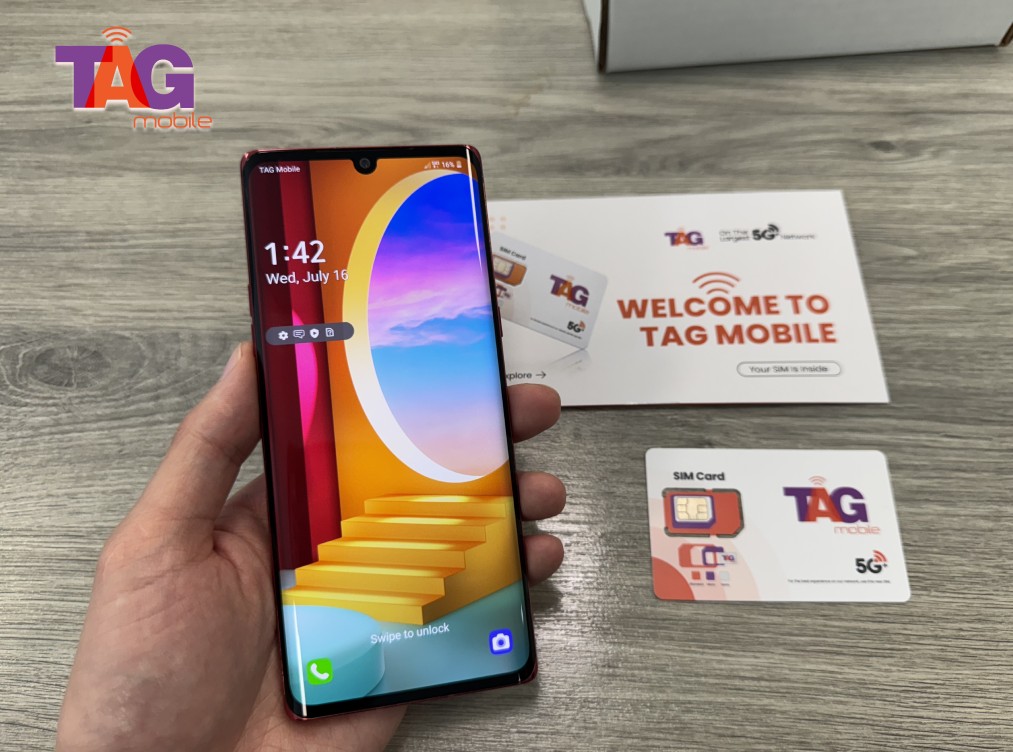
If you already have an iPhone 13, you can utilize TAG Mobile’s BYOD (Bring Your Own Device) service. This allows you to keep the phone you love while switching to a free or low-cost plan. However, before applying, it is critical to ensure your device is unlocked and compatible with the network.
You must check your device compatibility here by entering your IMEI number; this ensures that once you receive your new SIM kit or eSIM activation QR code, it will work instantly without the “No SIM” error.
Once verified, you can enjoy the benefits of a reliable network without the stress of monthly bills. For more details on how these programs work, read our blog insights on government benefits.
5. Final Words
Dealing with connection errors is a major inconvenience, but these solutions typically resolve the “no sim available on iPhone 13” issue quickly. By troubleshooting the hardware, updating your software, and verifying your carrier settings, you can usually get back online without expensive repairs.
If your hardware is functioning but your current provider is letting you down, consider that the problem might be the service, not the phone. TAG Mobile offers a robust alternative with excellent coverage and customer support dedicated to keeping you connected. We hope this guide helps you resolve your issue and gets you back to texting, calling, and browsing with ease.
Notice: The government does not cover device costs, only basic service through Lifeline. Any free or discounted devices, upgrades, or top-ups are limited-time TAG Mobile offers and may vary by state, eligibility, and availability. Terms and conditions apply.
- Share This:
-

-

-

-

-



About the author
