

Medicaid Card Replacement: What to Do While Waiting for Your New Card
A Medicaid card is a key document that helps you access essential healthcare services at little or no cost. If your card is lost, damaged, or outdated, requesting a Medicaid card replacement should be a top priority. Beyond healthcare, Medicaid also opens the door to other valuable benefits, including access to free government phone programs. While waiting for your replacement card, understanding these extra benefits can help you stay connected and supported.
1. What Is A Medicaid Card And Why You May Need A Replacement
1.1 What Is A Medicaid Card Used For?
A Medicaid card is proof that you are enrolled in the Medicaid program.
Healthcare providers use it to verify your eligibility and bill Medicaid directly for covered services. With a valid card, you can access doctor visits, hospital care, prescriptions, preventive services, and other essential medical benefits.
In some cases, proof of Medicaid enrollment may be used to help establish eligibility for other assistance programs, depending on each program’s rules and verification process. For example, Medicaid enrollment can qualify you for discounted utilities, internet services, and even free phones.
1.2 Common Reasons You Need A Medicaid Card Replacement
There are several reasons you may need a Medicaid card replacement, including:
- Your card was lost or stolen
- The card was damaged or unreadable
- Your name or personal information changed
- You recently moved to a new address
- Your card expired or was never received
No matter the reason, knowing how to get a replacement Medicaid card quickly can prevent disruptions in your care.
1.3 Can You Get A Medicaid Card Replacement Online?
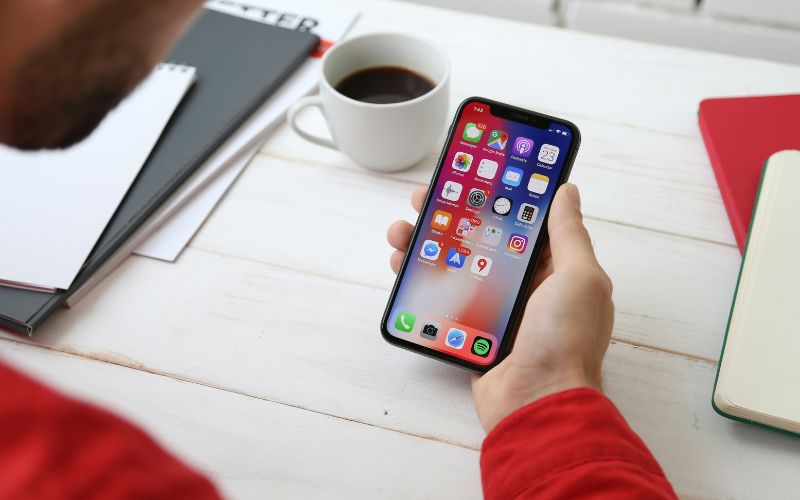
One of the most common questions is, “Can I get a replacement Medicaid card online?” In many states, the answer is yes. Most Medicaid agencies allow members to request a replacement through an online portal or mobile app.
If online access is not available in your state, you can usually request a replacement by calling your state Medicaid office or visiting a local Medicaid office in person.
>>> Read More: A Step-By-Step Guide To Free Phone For Seniors On Medicaid
2. What Information Do You Need To Request A Medicaid Card Replacement?
2.1 Required Information To Replace A Medicaid Card
When requesting a Medicaid card replacement, you will typically need:
- Full legal name
- Date of birth
- Medicaid ID number (if available)
- Social Security Number or the last four digits
- Current mailing address
- Proof of identity (in some cases)
Having this information ready can speed up the process and reduce delays.
2.2 How Long Does It Take To Get A Medicaid Card Replacement?
Processing times vary by state, but most replacement cards are mailed within 7 to 14 business days. Some states offer temporary digital cards that can be accessed online or through an app while you wait for the physical card to arrive.
If you need urgent care, contacting your Medicaid office to ask about expedited options may help.
2.3 Can You Use Medicaid Without Your Card While Waiting?
Yes, in many cases, you can still use Medicaid benefits without the physical card. Healthcare providers can often verify your eligibility using your personal information or Medicaid ID number. However, having your card makes the process easier and helps avoid billing issues, so requesting a replacement as soon as possible is recommended.
>>> Read More: Free iPhone With Medicaid: How to Apply in Under 30 Minutes
3. Extra Benefits: How To Get A Free Phone Based On A Medicaid Card
Many people are surprised to learn that Medicaid participation can connect them to benefits beyond healthcare. One important example is eligibility for the Lifeline program, a federal initiative designed to help low-income households reduce the cost of phone or internet service. Lifeline itself does not provide phones or devices. Instead, it offers a monthly service discount that eligible individuals can apply through participating providers.
If you are enrolled in Medicaid, you may qualify for Lifeline-supported service.
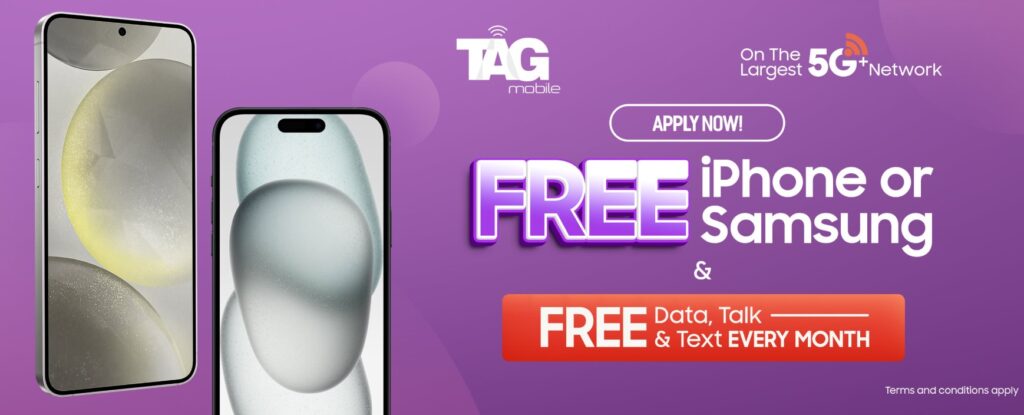
When you apply through a participating provider, you may receive $0 monthly talk, text, and data service, and you may also be offered a complimentary or discounted free phone with Medicaid, depending on availability, provider inventory, and state rules. Below is an overview of how to apply using Medicaid eligibility.
3.1 Step 1: Verify Eligibility
Before you apply, it is essential to confirm that you meet the requirements for the Lifeline program. Eligibility is generally determined by your household income level or your participation in a qualifying government assistance program, such as Medicaid, SNAP (Food Stamps), Supplemental Security Income (SSI), or Federal Public Housing Assistance.
Most applicants will need to submit the following documents to verify eligibility:
- Proof of program participation, like an official benefits approval letter or award notice
- Proof of income, which may include recent pay stubs, tax documents, or a Social Security benefits statement
3.2 Step 2: Apply Online With TAG Mobile
Applying for a free phone with TAG Mobile is quick and completely online. Begin by visiting the TAG Mobile website and do the following:
- Enter your ZIP code and email: Enter your ZIP code and select the “Apply Now” option. The system will guide you step by step based on your location and eligibility.
- Choose a plan: Browse the available Lifeline plans in your area and select the option that best fits your communication needs.
- Pick a device or bring your own: You can select a free or discounted phone, or use your existing device by entering its IMEI through the Bring Your Own Device (BYOD) option.
3.3 Step 3: Enter Personal Information And Upload Documents If Required
At this step, you will submit your information. You can complete the application by entering your personal details and uploading the required documents, such as proof of income or benefits participation.
If you are unable to verify eligibility automatically, the system may request you to upload proof of eligibility.
3.4 Step 4: Submit Form And Receive Approval
Once your application is submitted, it will be reviewed to confirm eligibility. Most applicants receive an approval decision within 7 to 10 business days. After approval, TAG Mobile will ship your free government phone directly to your home at no cost, allowing you to stay connected without any additional financial burden.
4. Tips To Avoid Losing Your Medicaid Card Again
To reduce the chances of needing another Medicaid card replacement, consider these tips:
- Store your card in a dedicated wallet slot
- Take a photo or save a digital copy securely
- Update your address promptly with Medicaid
- Use online portals to track your information
- Keep important documents in one safe place
These small habits can save time and stress in the future.
5. Final Words
Requesting a Medicaid card replacement does not have to be complicated. By understanding “how do I get a replacement Medicaid card”, what information you need, and whether you can complete the process online, you can restore access to your benefits quickly.
While waiting for your new card, remember that Medicaid offers more than healthcare. Programs like free government phones through providers such as TAG Mobile can help you stay connected and supported. Taking advantage of these benefits ensures you get the most value from your Medicaid enrollment and maintain peace of mind during the replacement process.
Notice: The government does not cover device costs, only basic service through Lifeline. Any free or discounted devices, upgrades, or top-ups are limited-time TAG Mobile offers and may vary by state, eligibility, and availability. Terms and conditions apply.
- Share This:
-

-

-

-

-



About the author
