

Free Phone SSI: How to Get a Lifeline Phone If You Receive SSI
If you receive SSI and need reliable phone service, a free phone SSI through the Lifeline program could be your solution. This federal program helps low-income Americans stay connected by offering discounted or free phone service.
Understanding how to qualify, choose a provider, and apply can make the process simple. In this guide, we break down everything you need to know to get started today with TAG Mobile.
1. What Is Lifeline & Why SSI Recipients Qualify
1.1. What Is the Lifeline Program?
The Lifeline program is a federal program run by the Federal Communications Commission (FCC) to help low-income Americans afford phone and internet service.
Eligible households can get a monthly discount on basic phone or internet service up to $9.25 per month.
Each household can receive only one discount. You can apply it to either a wireless cell phone plan or a home landline, but not both.
1.2. Why SSI (Supplemental Security Income) Makes You Eligible
If you receive Supplemental Security Income (SSI), you automatically qualify for Lifeline benefits.
This means a free phone for SSI recipients is a real option. Many low-income households use SSI as their qualifying path to get a free phone through Lifeline.
Can people on SSI get a free phone? Yes, SSI participation is one of the easiest ways to qualify for Lifeline phone benefits.
1.3. Other Ways to Qualify Besides SSI
Even if you do not receive SSI, you may still qualify for Lifeline through other programs or income-based eligibility.
Other ways to qualify include:
- Having a household income at or below 135 percent of the Federal Poverty Guidelines
- Participating in federal assistance programs such as SNAP, Medicaid, federal public housing, veterans’ pension, or other recognized programs
This gives many low-income Americans a way to access free or discounted phone and internet service.
Can I get a free phone with disability? Absolutely, if you participate in qualifying federal programs or meet income-based eligibility, you may also qualify.
>>> Read more: How to Get a Free 5G Phone When You Switch to TAG Mobile!
2. What Free Phone Service Looks Like for SSI Recipients
2.1. Monthly Benefit Amounts and What You Get
Lifeline provides a monthly discount that lowers or eliminates your phone or internet bill. Most recipients get up to $9.25 per month.
Some providers use the subsidy to cover the full cost of service. This means many users can get phone service for free.
Many eligible subscribers receive a basic smartphone with talk, text, and data at no monthly cost. What is the mobile phone for people with disability? Lifeline phones provided by participating carriers are basic smartphones suitable for most accessibility needs.
2.2. Types of Plans Available
Lifeline offers different plan options depending on your provider and location:
- Wireless cell phone plans: These are the most common Lifeline plans.
- Landline home phone service: In some areas, you can apply your Lifeline discount to a home phone instead of a cell phone.
Because each household can only get one discount, you need to choose whether to apply it to a cell phone or a landline plan.
2.3. Device Options: Bring Your Own Phone or New Phones
When you sign up with a Lifeline provider, you have two options for your device:
- Bring Your Own Phone (BYOP): If you already have a compatible smartphone, some providers let you use it with Lifeline service.
- Receive a new or pre-activated phone: Some providers offer a free device to new Lifeline customers, depending on availability.
The subsidy mainly covers the service, not the device. This means device options depend on the provider’s policies and available inventory.
3. How to Apply for a Free Phone When You Get SSI
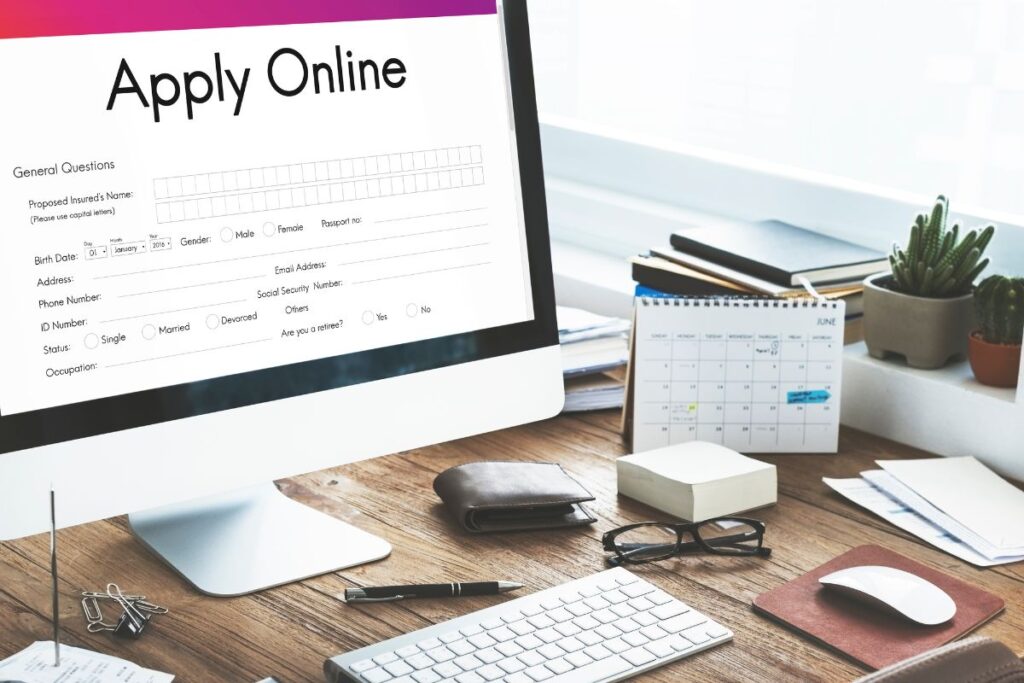
3.1. Step 1: Check Eligibility via the National Verifier
The first step is to see if you qualify for Lifeline using the National Verifier. This tool confirms eligibility based on SSI or other qualifying programs. You can apply online or download a paper application to mail if you do not have internet access.
3.2. Step 2: Choose a Lifeline Provider
After confirming eligibility, pick a provider in your area that participates in the Lifeline program. Many providers are available nationwide. Check each provider carefully to see if they include a free phone, coverage options, and plan details such as minutes, texts, and data.
For example, TAG Mobile is one of the most trusted Lifeline providers in the country. You can apply online, get approved quickly and enjoy benefits like a free smartphone with free wireless data, giving you access to unlimited talk and text, international calling, and more.
3.3. Step 3: Submit Your Application and Proof
When applying, you must provide proof of eligibility. SSI recipients usually need their SSI benefit award letter or another official document.
If applying by mail, send your completed form and proof to the official Lifeline Support Center.
3.4. Step 4: After Approval, Receive Your Phone
Once approved, your provider will either send a pre-activated phone, a SIM kit, or enable service on your existing phone if you are bringing your own device. Follow the activation instructions to start using your Lifeline benefit, which can include free or discounted phone service.
4. Maintaining Your Lifeline Benefit as an SSI Recipient
4.1. Recertification Requirements
You need to confirm your eligibility for Lifeline every year. If you no longer receive SSI or your income changes, you could lose your benefit. Staying up-to-date ensures uninterrupted service.
4.2. Use-It-or-Lose-It Policy
To keep your Lifeline benefit active, you must use your phone or service at least once every 30 days. This can include making a call, sending a text, or using data. Not using your line regularly may result in service cancellation.
4.3. Changing Your Provider
You can transfer your Lifeline benefit to another participating provider if you want better coverage, more data, or different device options. The benefit stays with you, not the provider, so switching will not affect your eligibility.
5. Final Words
If you receive SSI, you may be eligible for a free or discounted phone through the Lifeline program. This service helps you stay connected for work, healthcare, and daily communication with family and friends. Getting started is easy: check your eligibility, pick a Lifeline provider, submit the required documents, and wait for approval.
You can apply with TAG Mobile today. As a Lifeline provider, TAG Mobile will guide you through each step and help you get connected quickly.
- Share This:
-

-

-

-

-



About the author
