

How to Delete Telegram Account and What Happens After
Deleting Telegram is a permanent decision that affects your messages, contacts, groups, and account history, so it helps to know exactly what to expect first.
This guide explains how to delete Telegram account correctly, what information may disappear, and which steps deserve attention before confirming removal. Reviewing these details in advance can prevent accidental data loss and make the process clearer from start to finish.
1. Decide What You Want Gone Before You Delete Telegram
Deleting Telegram affects more than the profile you see in the app, so reviewing what is tied to the account first can prevent unwanted losses. Messages, media, contacts, subscriptions, communities, and paid balances may all require attention before you confirm permanent deletion.
Your Telegram Profile
Deleting your account permanently removes the Telegram profile associated with your phone number, including cloud-stored account data.
If you are researching how to delete Telegram account, remember that deletion is irreversible; signing up again later creates a new account rather than restoring the old one or its previous history.
Cloud Chats and Media
Telegram states that account deletion removes messages, media, and other information stored in its cloud for that account. Before deleting, save any photos, videos, files, or conversation details you still need, because the deletion process cannot be undone once it has been confirmed.
Contacts
Contacts stored as part of your Telegram cloud data are removed when the account is deleted. If certain phone numbers or usernames are important, make sure they are also saved in your phone, address book, or another secure location instead of relying only on Telegram’s contact list.
Groups You Created
Deleting your personal account does not necessarily mean every group you created will simply disappear with it.
Because ownership and administration can affect what happens to communities after a creator leaves, review important groups beforehand and transfer ownership or assign trusted administrators where appropriate to avoid management problems later.
Channels You Created
Channels can contain subscribers, posts, administrators, and valuable community history, so they deserve special attention before account removal.
If you manage an active channel, consider transferring ownership or ensuring another administrator has suitable permissions before deleting your profile, especially if you want the channel to remain available afterward.
Bots and Connected Services
Bots, mini apps, and services connected through Telegram may rely on your account for authentication, communication, payments, or management. Review any services you actively use and disconnect or update access where necessary before deleting the account so you do not unexpectedly lose access to functions tied to your Telegram identity.
Telegram Premium or Stars
Paid features should be reviewed carefully before deleting your account.
Telegram Premium subscriptions purchased through the App Store or Google Play may continue billing until canceled through the corresponding store, while unused subscription time is generally not refunded.
Any remaining Telegram Stars may also be lost once the account becomes inaccessible, so use or resolve your balance beforehand.
>>> Read More: How to Hide Your Following List on Instagram Without Private Account: The Latest Answer
2. How to Delete Telegram Account Permanently
Permanent deletion removes your Telegram profile and associated account data, so it is worth checking important chats, files, groups, and subscriptions before proceeding.
If you have been asking how to delete my Telegram account, the exact path differs slightly between Android and iOS, but both platforms allow you to complete the process from Telegram’s privacy settings.
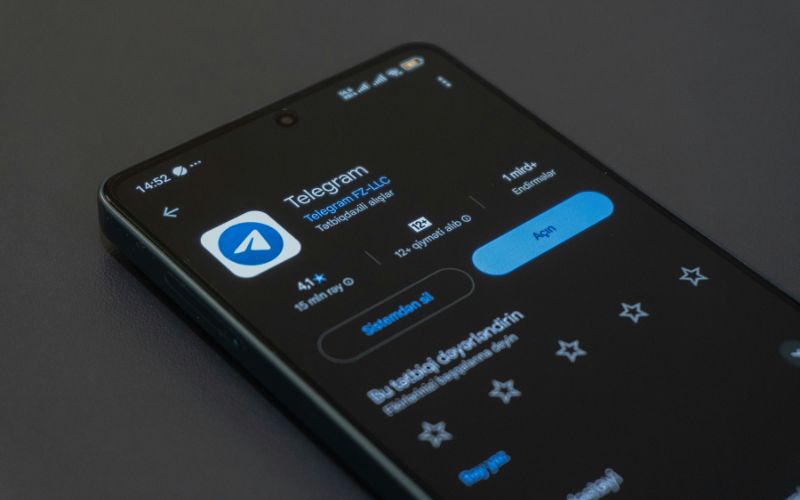
On Android
Android users can remove their Telegram account directly from the app without relying on third-party tools. Before continuing, make sure you have saved any important information because deletion is designed to be permanent.
For anyone searching how to delete Telegram account permanently on Android, follow these steps:
- Open the Telegram app on your Android phone or tablet.
- Tap the three-line menu and select Settings.
- Choose Privacy and Security.
- Scroll down to the Delete My Account section.
- Select the option to proceed with account deletion rather than only setting an inactivity timer.
- Enter or confirm the phone number connected to your Telegram account when requested.
- Tap Delete Account and complete the final confirmation.
Once confirmed, you should treat the deletion as irreversible. If you later register Telegram again with the same phone number, it will be a new account rather than a restoration of your previous profile and cloud history.
On IOS
The iPhone process is very similar, although the location of the Settings menu reflects the iOS app layout. Review anything you want to preserve before starting, especially important media, contacts, or administrative access to groups and channels.
Follow these steps on iPhone:
- Open Telegram on your iPhone.
- Tap Settings in the bottom-right corner.
- Select Privacy and Security.
- Scroll down until you reach Delete My Account.
- Choose the account deletion option.
- Confirm the phone number associated with your account if Telegram requests verification.
- Tap Delete Account and approve the final confirmation to complete the process.
Deleting Telegram on iOS does not require a separate App Store deletion process. Once the final confirmation is completed, the account removal is intended to be permanent, so exporting or saving anything important beforehand is strongly recommended.
3. What Happens to My Messages after Deleting Telegram?
The result depends on whether you simply remove the app or permanently delete your account. Uninstalling Telegram leaves your cloud chats and account data intact, while following how to delete Telegram account permanently removes your cloud history.
However, messages you previously sent to other users may remain visible in their conversations even after your account is gone.
4. A Reliable Phone for Login Codes and Security Alerts
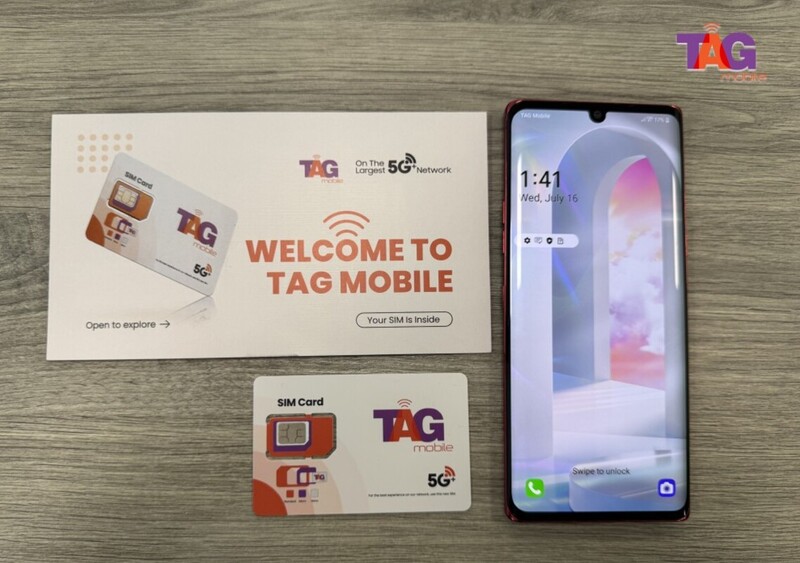
Access to a working phone matters when apps send verification codes, account recovery messages, or security alerts. For eligible low-income consumers, TAG Mobile offers another way to maintain mobile connectivity through Lifeline-supported service and qualifying device offers.
TAG Mobile provides Lifeline wireless service for eligible customers, with benefits designed to reduce the cost of staying connected. Depending on location, eligibility, and availability, notable benefits may include:
- Free smartphone options for qualifying new Lifeline customers
- Discounted phone and tablet choices when available
- Free monthly data, with allowances varying by location
- Unlimited talk and text
- Free international calling to more than 200 countries and territories
To receive these benefits, applicants must first qualify for the Lifeline Program. Eligibility can be based on household income at or below 135% of the Federal Poverty Guidelines or participation in qualifying assistance programs such as SNAP or Medicaid.
Applying for a free phone through TAG Mobile involves a few straightforward steps:
- Confirm your eligibility: Verify that you qualify through household income or participation in an approved assistance program.
- Enter your ZIP code: Visit the TAG Mobile website and enter your ZIP code to check available Lifeline service, plans, and device offers in your area.
- Choose a plan: Review the Lifeline-supported service options available for your location and select an eligible plan.
- Select an available device: Choose a free or discounted phone if a qualifying device offer is available based on your eligibility, location, and inventory.
- Complete the application: Provide your legal name, date of birth, residential address, contact information, and other requested details.
- Submit supporting documents if needed: Upload proof of program participation, income, identity, or address when automatic verification cannot confirm your information.
- Review and submit: Check your application details carefully before submitting them for eligibility review.
- Receive and activate: Once approved, your qualifying device or SIM is typically delivered within 7-10 business days.
Device and plan availability can vary by state and inventory, so checking your eligibility with TAG Mobile is the best way to see which current offers are available in your area.
Note: Eligibility varies by state and program. Offers depend on availability and qualifications. TAG Mobile operates under the federal Lifeline Program as an Eligible Telecommunications Carrier (ETC). Service is non-transferable and limited to one service per household.
5. Questions about Telegram Deletion Myths
Telegram account deletion is often confused with simply removing the app or logging out. These answers clarify what actually happens so you can avoid losing access or data unexpectedly.
Can I delete Telegram directly from the Android app?
Yes, Telegram now allows account deletion from within the Android app through its privacy settings. You still need to follow the confirmation steps carefully because permanent deletion removes the account rather than just signing you out.
Does uninstalling Telegram delete my account?
No. Uninstalling Telegram only removes the app from your device, while your account, cloud chats, contacts, and other stored data remain associated with Telegram. You can reinstall the app later and sign back in with the same phone number.
What happens to groups and channels I created?
Groups and channels you created do not necessarily disappear when your personal account is deleted. They may continue to exist, so transferring ownership or assigning trusted administrators beforehand is a smart step if you want those communities to remain properly managed.
Can I recover a deleted Telegram account?
No, a permanently deleted Telegram account cannot be restored. If you register again with the same phone number, Telegram treats it as a new account, meaning your previous cloud history, contacts, and account data will not automatically return.
6. Final Thoughts
Deleting Telegram permanently removes your account and associated cloud data, so review anything important before confirming the process. If you are checking how to delete Telegram account, remember that the action cannot be reversed once completed.
Eligible users who still need dependable access for verification codes and security alerts can explore a Lifeline-supported service through TAG Mobile.
- Share This:
-

-

-

-

-


About the author
