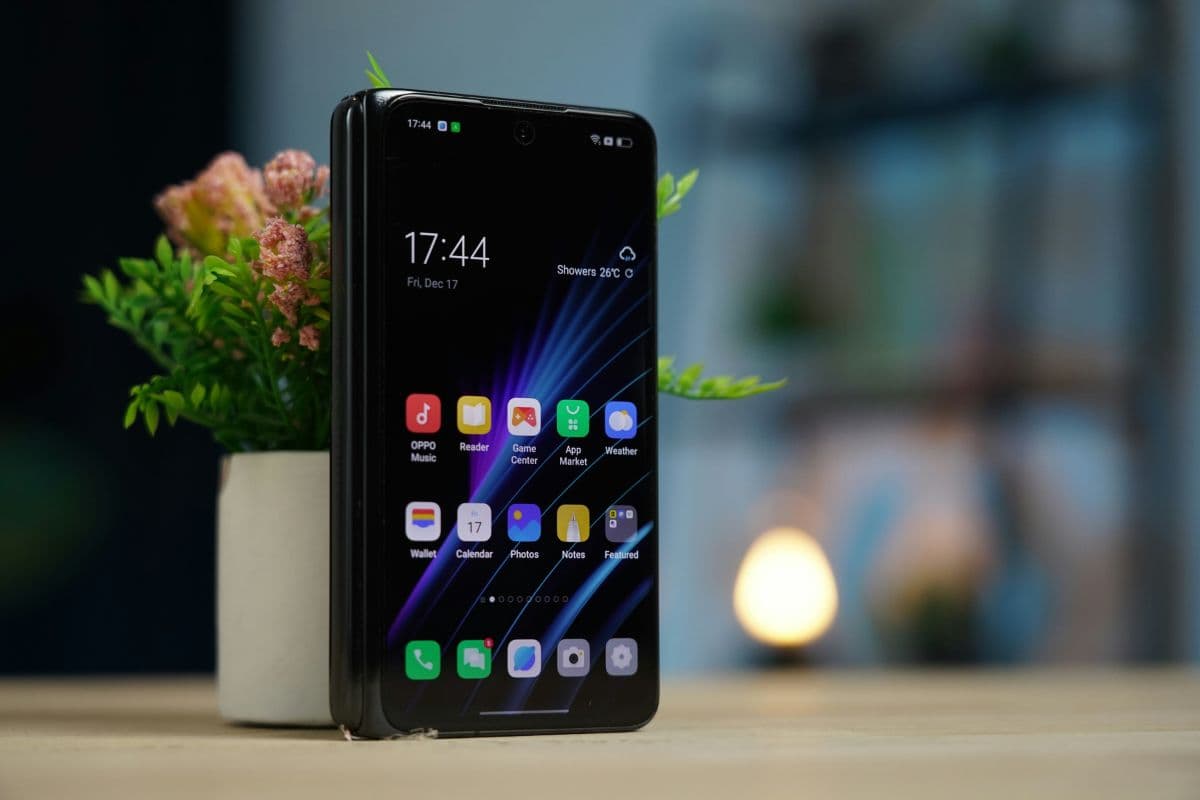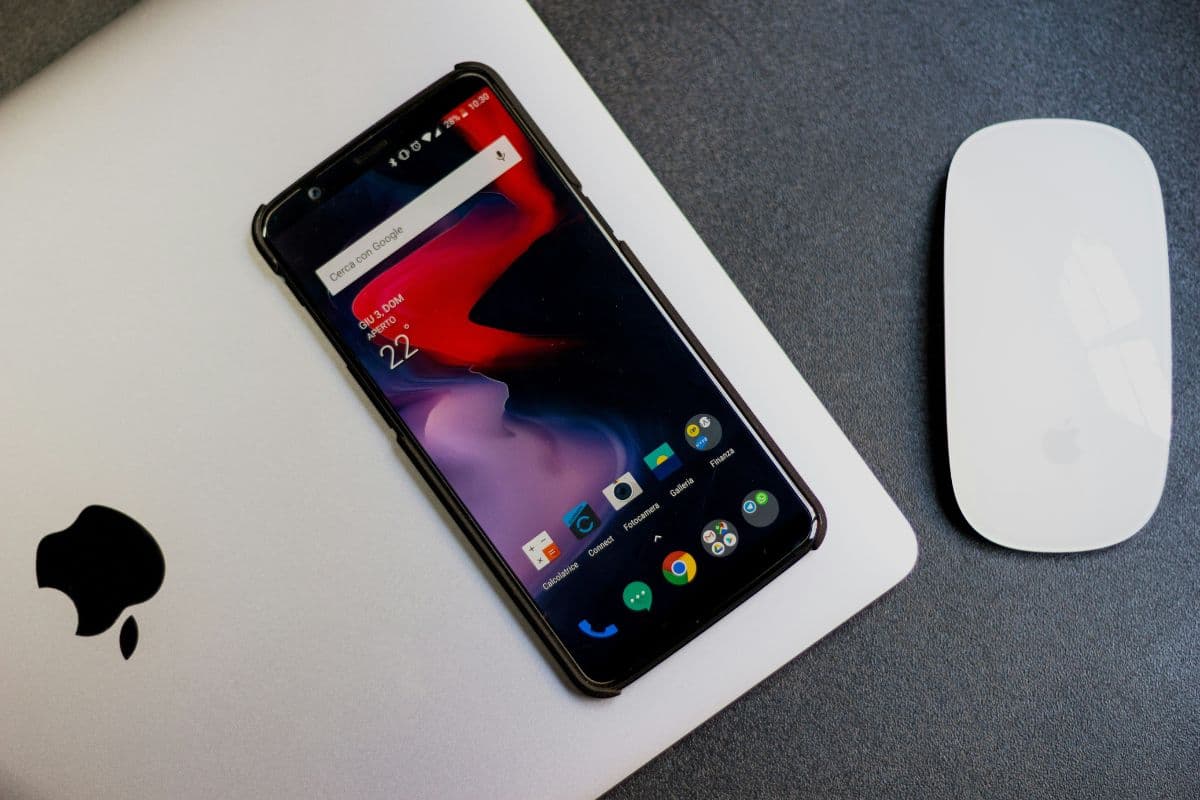
The best iPhone for elderly is the one that combines easy use, a clear display, and helpful features. Today, seniors can choose models like the iPhone SE 3, iPhone 13, iPhone 14, or even large-screen iPads for simple navigation and strong performance. Some can even get these iPhones free or at a low cost if they qualify for Lifeline.
This guide explains which iPhone suits different senior needs and how to get one without spending too much. Keep reading to find the right iPhone and see how to apply today.
1. What is the Best iPhone for the Elderly Today?
The best iPhone for the elderly should be easy to use, comfortable to hold, and feature support for vision, hearing, and daily communication needs. Today, Several models meet these criteria and fit different senior lifestyles. Here are the top recommendations:
1.1. iPhone SE 3 – Best Overall for Seniors
The iPhone SE 3 is a strong choice for most elderly users. Here are the key benefits:
- Compact and lightweight, easy to hold
- Touch ID for quick unlocking without Face ID
- A15 Bionic chip for smooth performance
- Still supports the latest iOS updates
- Affordable, with discounted or free options for Lifeline-eligible seniors
2.2. iPhone 12 & 13 Mini – Best for Seniors Who Want Small Size & Face ID
If someone prefers Face ID but still wants a small phone, the iPhone 12 mini & iPhone 13 fit well. Here are the highlights:
- Super Retina display for clear text and images
- Long battery life for all-day use
- Compact size allows one-handed operation
- Runs the latest iOS for security and app support
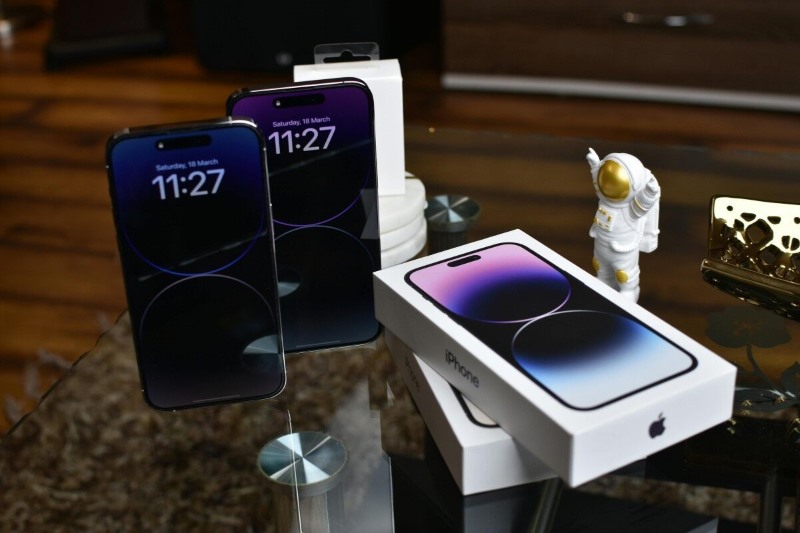
2.3. iPhone 14 Pro/Pro Max – Best for Visual/Audio Accessibility
These models are better suited for seniors with vision or hearing needs. Check their main features:
- Larger screens for easier reading and typing
- Built-in accessibility tools like VoiceOver, Display Zoom, and Hearing Aid Mode
- Emergency SOS and Magnifier features
- 5G capability for faster connections
2.4. iPhone 15 – For Tech-Comfortable Seniors
The iPhone 15 is powerful, but not always the most budget-friendly. Here are the reasons to consider it:
- Enhanced AI and voice command features
- Excellent camera for family photos and video calls
- Suitable for seniors who are confident with technology
- High cost unless obtained through a Lifeline provider or upgrade program
2.5. FOXXD A67L – Best Budget-Friendly Option for Seniors
Besides iPhones, seniors can consider some other free Android phone models. FOXXD A67L suits seniors who want a no-cost smartphone with essential features for calls, texts, and light app use. It’s a free option that’s simple yet practical for daily use.
- Large, clear display for easy reading
- Long-lasting battery to reduce charging frequency
- User-friendly Android interface with customizable home screen
- Lightweight design for comfortable handling
2.6. RADIANT Max 5G – Best Free 5G Option for Seniors
The RADIANT Max 5G combines modern connectivity and a bigger display for better usability. It’s perfect for those who want faster performance without paying extra.
- 5G connectivity for smoother video calls and browsing
- Large HD+ display for improved visibility
- Sturdy build with good grip for everyday handling
- Compatible with accessibility settings like larger fonts and voice commands
Take a look at the comparison table of iPhone models for seniors below:
| Model | Size & Weight | Ease of Use Features | Ideal User Profile |
| iPhone SE 3 | 5.45″, Lightweight | Touch ID, Simple Layout | Seniors wanting a small, easy phone with good speed |
| iPhone 12 & 13 | 5.18″, Compact | Face ID, Retina Display | Seniors wanting a small size + modern unlocking |
| iPhone 14 Pro/ProMax | 5.81 and 6.7″, Medium Size | Large Screen, VoiceOver | Seniors with vision/hearing needs |
| iPhone 15/ 15 plus | 5.81″, Varies | Voice Commands, AI Features | Tech-savvy seniors who want the latest device |
| FOXXD A67L (Free) | 6.7″ | Long battery life, large screen | Seniors who want a no-cost, basic smartphone |
| RADIANT Max 5G (Free) | 6.82″ | 5G, big display, voice commands | Seniors who want a free phone with modern connectivity |
>>> Read more: Free iPhone for Seniors: How to Qualify and Get One Today
3. Can Low-Income Seniors Get a Free iPhone Through Lifeline?
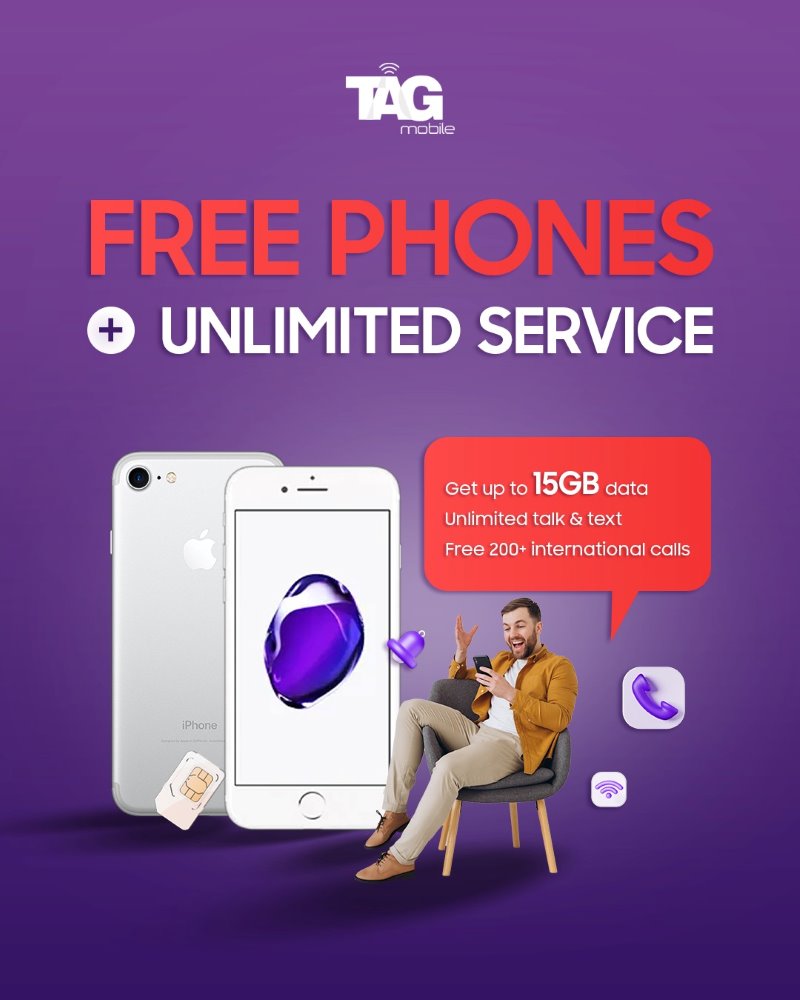
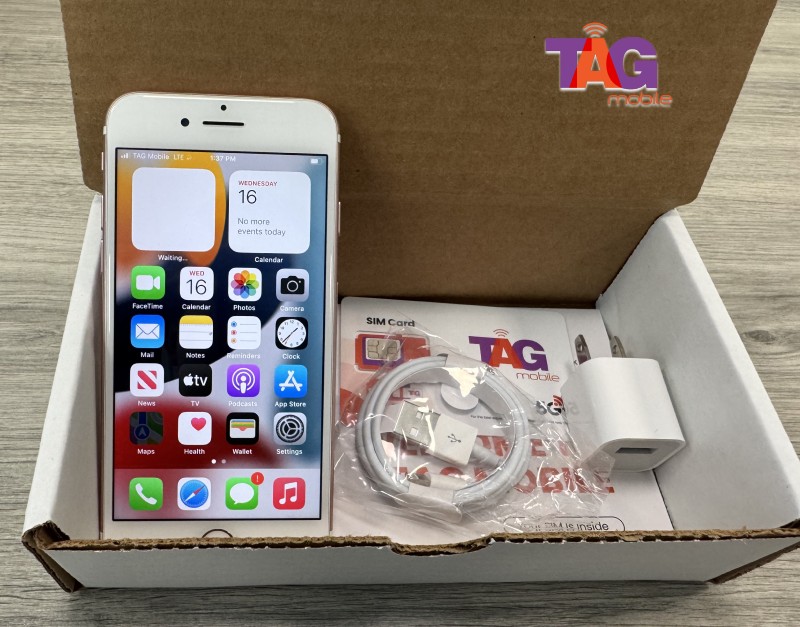
Yes, while Apple does not directly provide free iPhones, the free iPhone Lifeline program gives eligible seniors access to discounted models through approved providers. Lifeline partners like TAG Mobile may offer popular devices such as the iPhone SE or iPhone 7 at little to no cost, depending on eligibility and location.
When qualifying for Lifeline, you can receive subsidies for phone or monthly service plans, including:
- Up to $9.25/month in standard support.
- Up to $34.25/month in enhanced support for tribal residents.
3.1. TAG Mobile Plans & Features
When applying to receive a free Lifeline iPhone, all Lifeline subscribers with TAG Mobile also receive:
- Free talk and text every month.
- Free international calling to 200+ countries and territories.
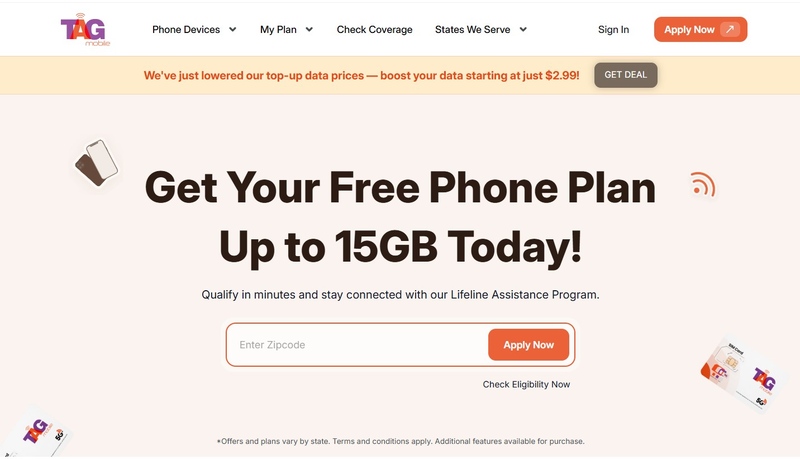
- Up to 15GB of monthly data.
- Ability to activate a SIM-free iPhone with TAG Mobile’s free SIM card.
- Special tribal plans with enhanced benefits.
DISCLAIMER: The government does not cover device costs, only basic service through Lifeline. Any free or discounted devices, upgrades, or top-ups are limited-time TAGMobile offers and may vary by state, eligibility, and availability. Terms and conditions apply.
3.2. Why Choose TAG Mobile?
TAG Mobile is known for making the application process quick and simple for seniors.
- Fast approval: most applications are processed in under 30 minutes.
- Free shipping: phones delivered in 7 – 10 business days with tracking.
- Good customer care: support available online and by phone.
- Strong coverage: reliable in both urban and tribal areas.
- Wide variety of devices: from free smartphones to upgraded iPhones.
Note: Availability of devices varies by ZIP code and provider stock.